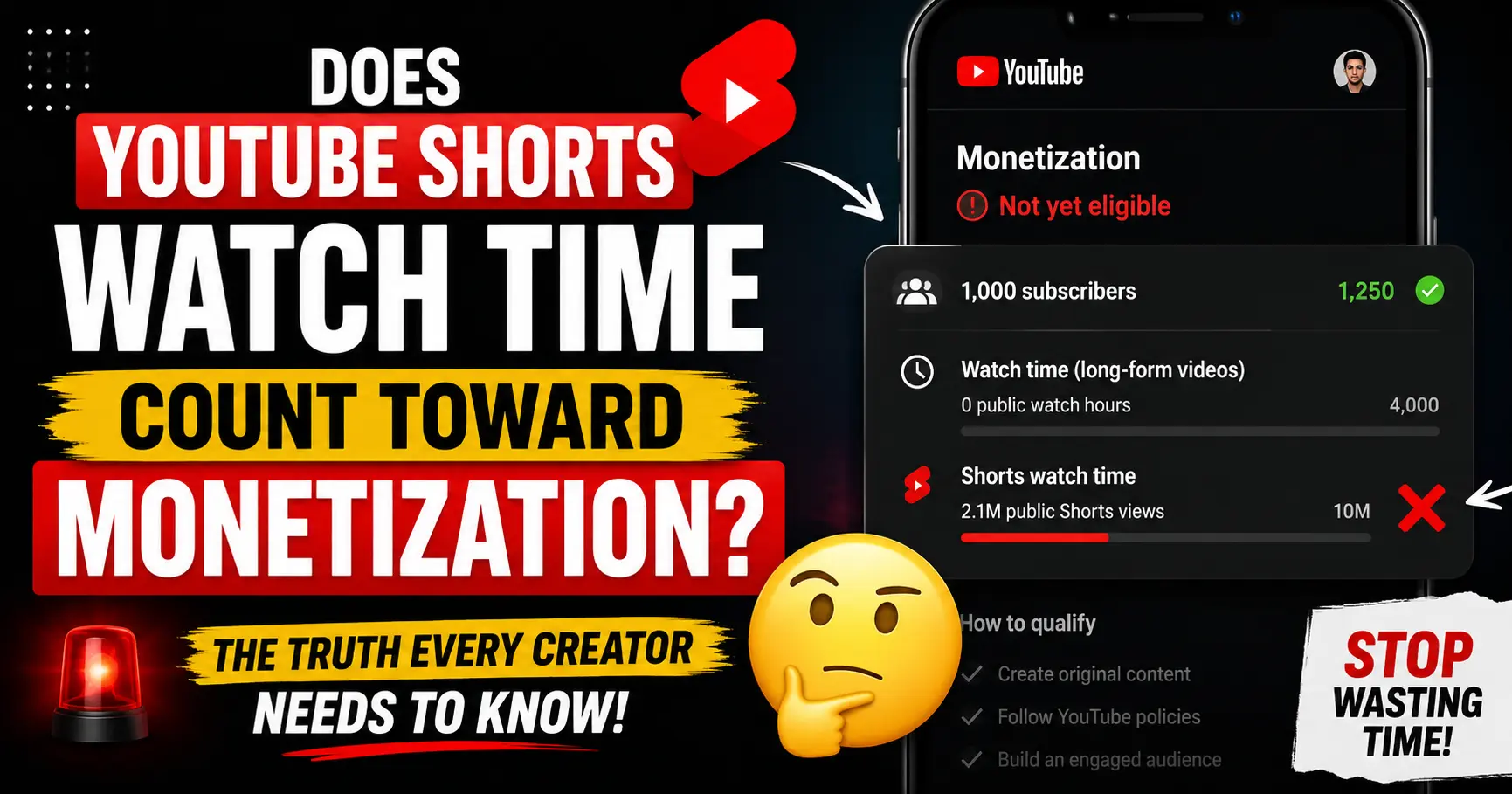
If you’ve been grinding out YouTube Shorts hoping they’re quietly building your way to the 4,000 hour watch time goal stop. They’re not.
The answer is : No. YouTube Shorts watch time does not count toward the 4,000 public watch hours required for monetization. This is confirmed directly in YouTube’s official Partner Program documentation, and it’s one of the most common and costly misconceptions creators carry for months before realizing they’ve been chasing the wrong metric.
But that’s only half the story. Shorts do count toward monetization just in a completely different way, on a completely separate path. Understanding exactly how that works could change your entire content strategy.
This guide breaks it all down: what counts, what doesn’t, the one exception most creators don’t know about, and how to use Shorts smartly to reach monetization faster.
This article is a part of our complete YouTube Monetization for Beginners in India 2026 step by step guide
Table of Contents
The Direct Answer: In simple way
Does YouTube Shorts watch time count toward monetization?
No: with one narrow exception covered below.
Watch time accumulated from Shorts viewed in the Shorts Feed does not count toward the 4,000 public watch hours required to join the YouTube Partner Program (YPP). This is YouTube’s official position, confirmed by their Team YouTube Community Manager and clearly stated in their Partner Program documentation.
Even though your Shorts watch time appears inside your total watch time figure in YouTube Analytics, that number is misleading. YouTube Analytics shows you combined totals but only long form watch hours are eligible toward the 4,000 hour monetization threshold.
Here’s the confusion in a nutshell:
| What you see in YouTube Analytics | What actually counts toward YPP |
|---|---|
| Total watch time (long-form + Shorts combined) | Long-form public watch hours only |
| Shorts views in the Shorts Feed | ❌ Does not count toward 4,000 hours |
| Shorts watch time | ❌ Does not count toward 4,000 hours |
| Public long-form video watch time | ✅ Counts toward 4,000 hours |
| Public live stream watch time | ✅ Counts toward 4,000 hours |
This is why many creators look at their Analytics and feel confident they’re making progress, then apply for YPP only to get rejected their eligible watch hours are far below what they believed.
Why Shorts Watch Time Doesn’t Count Toward 4,000 Hours
YouTube designed Shorts and long form videos as completely separate ecosystems with separate monetization paths. The reasoning behind this is straightforward when you understand how each format generates revenue.
Long form videos earn money through pre roll, mid roll, and post roll ads placed around the video. The more time a viewer spends watching, the more ad slots YouTube can serve. Watch time is a direct proxy for ad revenue potential which is why YouTube uses it as the monetization threshold.
Shorts work differently. Ads aren’t placed inside individual Shorts. Instead, YouTube places ads between videos in the Shorts Feed and pools all that revenue together. YouTube then distributes a share of that pool to creators based on their proportion of total Shorts views. Because the ad mechanism is completely different, watch time is irrelevant views are what matter.
This means YouTube is measuring fundamentally different things for each format. Mixing them into one threshold wouldn’t make sense from a revenue perspective, which is why YouTube explicitly keeps the metrics separate and why Shorts watch time has never counted toward the 4,000 hour requirement.
The One Exception: When Shorts Watch Time Does Count
Here’s the nuance that almost nobody talks about, and it’s technically accurate: Shorts viewed outside the Shorts Feed do count toward your public watch hours.
If a viewer watches your Short from:
- Your channel page on desktop or mobile
- A YouTube search result (where they clicked your Short directly)
- A playlist that includes your Short
- YouTube TV or an embedded player outside the Shorts Feed
- A direct link shared from outside the app
…that watch time technically registers as public watch hours.
However and this is the critical point the vast majority of Shorts views come from the Shorts Feed, not from channel pages or search results. For most creators, this exception accounts for a tiny fraction of total Shorts views. You cannot reliably plan your monetization strategy around it.
Bottom line: Don’t count on this exception. Treat Shorts watch time as zero contribution toward your 4,000-hour goal. Build your long form strategy to reach that milestone.
What Shorts DO Count Toward
Even though Shorts watch time doesn’t contribute to the 4,000 hour threshold, Shorts are not useless for monetization. They contribute meaningfully to several things that do matter:
Shorts views count toward the Shorts monetization path
YouTube has a completely separate path to full YPP that uses Shorts views instead of watch hours. More on this in the next section.
Subscribers gained from Shorts count toward your 1,000 subscriber goal
This is important. When someone discovers your channel through the Shorts Feed and hits Subscribe, that subscriber counts fully toward your 1,000 subscriber requirement the same as if they had subscribed after watching a long-form video. Shorts are one of the fastest ways to grow subscribers because of their reach in the feed.
Shorts views count toward the Tier 1 (fan funding) path
At 3 million Shorts views in 90 days (plus 500 subscribers and 3 public videos), you qualify for the Expanded YPP tier which unlocks Super Thanks, Super Chat, Super Stickers, and Channel Memberships. You can start earning from your audience before hitting the full 1,000 subscriber threshold.
Shorts drive traffic to long form videos
This is the smartest indirect use of Shorts. A viewer who finds you through a Short and clicks through to your long form content generates watch hours that do count. Shorts serve as a discovery engine that feeds eligible watch time into your long form channel.
The Shorts Only Monetization Path Explained
If your content is primarily Shorts, you don’t have to abandon them to get monetized. YouTube built a dedicated monetization track just for Shorts creators. Here’s how the two tier system works for Shorts :
Tier 1: Fan Funding (Early Access)
Requirements:
- 500 subscribers
- 3 public videos uploaded in the last 90 days
- 3 million valid public Shorts views in the last 90 days (OR 3,000 watch hours on long-form in 12 months)
What you unlock: Super Thanks, Super Chat, Super Stickers, Channel Memberships, YouTube Shopping affiliate. No ad revenue yet.
Tier 2: Full Monetization (Ad Revenue)
Requirements:
- 1,000 subscribers
- 10 million valid public Shorts views in the last 90 days (OR 4,000 watch hours on long-form in 12 months)
What you unlock: Everything in Tier 1, plus ad revenue sharing from the Shorts revenue pool. You keep 45% of your allocated Shorts ad revenue.
How Shorts ad revenue works once you’re in
YouTube pools all ad revenue generated from ads shown between Shorts in the feed. It deducts music licensing costs first, then splits the remaining pool between creators based on each creator’s share of total eligible Shorts views. You keep 45% of your allocated portion.
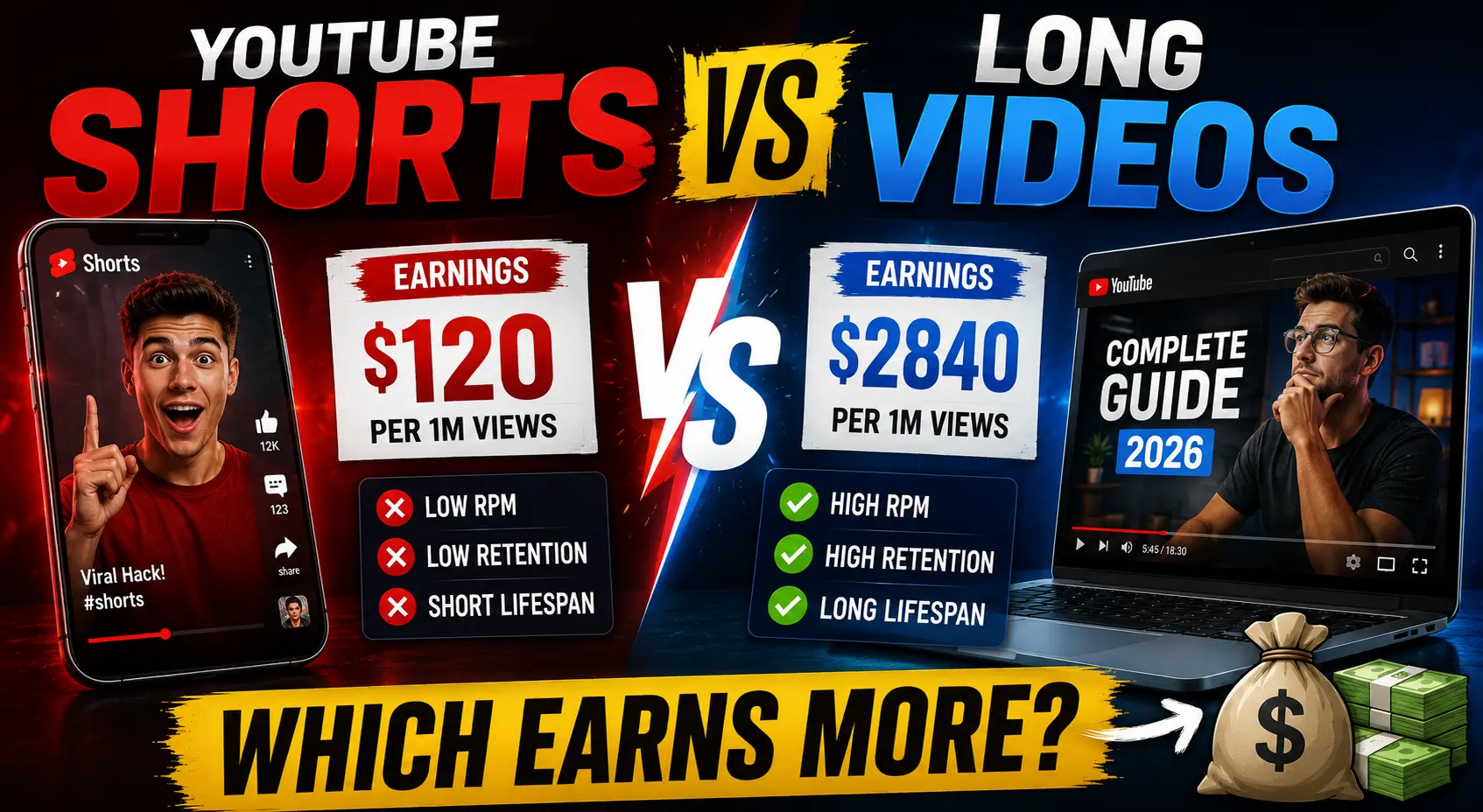
Typical Shorts RPM (revenue per 1,000 views) ranges from $0.01 to $0.06, which is significantly lower than long-form RPM ($1–$10+). This is why most creators who earn meaningfully from Shorts also have brand deals, channel memberships, or long-form content stacked on top ads alone rarely build a livable income from Shorts.
Important: you must enable the Shorts Monetization Module
Being accepted into YPP doesn’t automatically turn on Shorts monetization. You need to go to YouTube Studio → Monetization → Shorts Monetization Module and enable it explicitly. Many creators get accepted into YPP and leave Shorts revenue unclaimed for months without realizing it.
What Are “Valid Public Shorts Views”?
YouTube uses the phrase “valid public Shorts views” in its official documentation, and it matters not all views count equally.
Valid Shorts views include:
- Views from real users watching your Short in the Shorts Feed
- Views from viewers who watched your Short through search or your channel page
- Views on publicly set Shorts only
Views that do not count as valid:
- Views from private or unlisted Shorts
- Views from deleted Shorts
- Views generated by bots, spam accounts, or view-buying services
- Views from your own repeated watching
YouTube audits view validity during your YPP application review. Channels that appear to have inflated Shorts views through artificial means are rejected, and in repeat cases, can be permanently banned from the Partner Program.
Shorts Subscribers: Do They Count Toward Your 1,000 Goal?
Yes – fully.
Subscribers gained from the Shorts Feed count toward your 1,000 subscriber requirement exactly the same as subscribers from long form videos. Whether someone subscribes after watching a Short or after watching a 20-minute tutorial, that subscriber counts the same way.
This is the most strategically valuable thing about Shorts for new creators. Shorts reach far beyond your existing audience because the Shorts Feed algorithm surfaces content to non subscribers. A well performing Short can gain hundreds of subscribers in 24-48 hours progress that directly advances your YPP eligibility.
Both public and private subscriptions count toward your goal. You can’t see who your private subscribers are unless they interact through comments or live chat, but their subscription counts all the same.
The Smart Strategy: Using Shorts to Hit Monetization Faster
Given everything above, here’s how to use Shorts intelligently as part of a monetization strategy whether you’re going the long-form route, the Shorts-only route, or a hybrid.
Strategy A: Long-form focus (targeting 4,000 watch hours)
If you want to monetize primarily through long form ad revenue, your watch hour goal must be built entirely on public long-form video watch time. Shorts won’t move that needle.
But Shorts can still help you get there faster in two ways:
1. Use Shorts to grow subscribers fast. Reaching 1,000 subscribers is often the harder milestone for new channels. Shorts can compress that timeline dramatically by reaching new audiences who wouldn’t have found you through search or suggested videos alone.
2. Use Shorts as a funnel into long form content. Post a Short that teases or excerpts a longer video, then include a clear call to action: “Full video on my channel.” Viewers who click through and watch your long form content generate the watch hours you need. A 20-minute video watched fully by 100 people from one Short equals 33 hours in a single day.
Strategy B: Shorts only focus (targeting 10 million views)
If you’re a Shorts first creator, you need 10 million valid public Shorts views in 90 days for full monetization. That’s roughly 111,000 views per day.
That sounds enormous, but Shorts can go viral at a scale long-form videos rarely do. The key is:
- Post daily, or close to it. Frequency directly increases your chances of a breakout video. Three Shorts per week rarely hits the threshold; daily or twice-daily posting gives you more surface area.
- Hook in the first 1–2 seconds. The Shorts Feed is ruthless. The swipe-away rate in the first two seconds determines whether the algorithm distributes your Short further. Front-load the most interesting moment.
- Keep completion rate above 80%. YouTube’s algorithm prioritizes Shorts that viewers watch completely. Shorter Shorts (15–30 seconds) tend to have higher completion rates than 60-second ones.
- Use keywords in your title and description. Shorts now appear in YouTube search results. Optimized titles get found. Use Toolbil’s free YouTube Tag Generator to build a keyword strategy for your Shorts content.
Strategy C: Hybrid (fastest overall path)
Many creators find the hybrid approach fastest. Post Shorts consistently to grow subscribers and aim for the Tier 1 threshold (3 million views). While doing that, post long-form videos at least once or twice a week to accumulate watch hours in parallel. The subscriber growth from Shorts accelerates the long form path, and the watch hours from long-form protect you if your Shorts views slow down.
How to Track Your Watch Hours and Shorts Views in YouTube Studio
This is where many creators get tricked by their own data. YouTube Analytics combines everything which can make your progress look better or worse than it really is.
How to see only your eligible long-form watch hours
- Open YouTube Studio
- Click Analytics in the left menu
- Click Overview tab
- Set the date range to Last 365 days (the watch hour window is rolling 12 months)
- Look at the Watch time card — but note this includes all content types
To filter long-form only:
- Go to Analytics → Content tab
- Filter by Video type: Videos (deselect Shorts and Live)
- The watch time shown is now your YPP-eligible long-form watch hours
How to see your Shorts views for the monetization threshold
- Go to Analytics → Content tab
- Set date range to Last 90 days
- Filter by Video type: Shorts
- Check total Views — this is your Shorts view count against the 3M or 10M threshold
How to see your monetization progress
Go to YouTube Studio → Earn (or Monetization) in the left menu. YouTube shows you a progress bar for both your subscriber count and your watch hours/Shorts views with exact current figures.
How to check any channel’s monetization status instantly
Want to know if a competitor is already monetized or if your own channel is showing as monetized to the outside world? Use Toolbil’s free YouTube Monetization Checker. Enter any public channel name or URL. You’ll see their monetization status, estimated monthly earnings, CPM, subscriber count, and total views no account required.
Frequently Asked Questions
Does YouTube Shorts watch time count toward monetization?
Watch time from Shorts viewed in the Shorts Feed does not count toward the 4,000 public watch hours required for the YouTube Partner Program. Shorts have a completely separate monetization path based on views, not watch time.
Do Shorts count toward the 4,000-hour watch time requirement at all?
Only in a very narrow case: if a viewer watches your Short from your channel page, a search result, a playlist, or embedded outside YouTube, that watch time technically counts. However, the overwhelming majority of Shorts views come from the Shorts Feed where they don’t count. Do not build your strategy around this exception.
What does count toward the 4,000 hour watch time requirement?
Public long-form video watch time and public live stream watch time (including VOD replays) accumulated in the past 12 months.
Do subscribers from Shorts count toward the 1,000 subscriber goal?
Yes -fully. Subscribers gained from the Shorts Feed count exactly the same as subscribers from long-form videos.
Can I get monetized with only Shorts videos?
Yes. If you reach 1,000 subscribers and 10 million valid public Shorts views in the past 90 days, you qualify for full YPP without any long-form content at all.
How many Shorts views do I need to get monetized?
For full ad revenue (Tier 2): 10 million valid public Shorts views in the last 90 days. For fan funding access only (Tier 1): 3 million valid public Shorts views in the last 90 days.
How much does YouTube pay per 1,000 Shorts views?
Typically $0.01 to $0.06 per 1,000 views (RPM). Shorts ad revenue is significantly lower than long-form video RPM ($1–$10+), which is why most successful Shorts creators stack Shorts with other revenue streams like brand deals, memberships, and long form content.
Does watch time from private Shorts count?
No. Watch time and views from private or unlisted videos of any type do not count toward monetization thresholds.
If I upload a Short and then change it to private, do I lose those watch hours or views?
Yes. The moment a video is set to private or unlisted, YouTube removes its watch hours and views from your YPP eligibility metrics.
Do Shorts views that come from embedded videos outside YouTube count?
If the Short is embedded outside the Shorts Feed such as on a website or shared via direct link those views may count toward your public watch hours, but they typically don’t count toward the Shorts view threshold used for the Shorts monetization path.
Why does my YouTube Analytics show more watch hours than my YPP progress tracker?
Because YouTube Analytics shows your combined total watch time across all video types (long-form, Shorts, and live streams), while the YPP progress tracker only counts eligible long form public watch hours. Filter your Analytics to long-form videos only and set the date range to the last 365 days to see your true eligible count.
Summary: What You Need to Know
Shorts watch time from the Shorts Feed → does NOT count toward 4,000 hours.
Subscribers from Shorts → DO count toward 1,000 subscribers.
Shorts views → count toward the separate Shorts path (3M for fan funding, 10M for full ad revenue).
Shorts viewed from channel pages or search → technically count, but it’s a tiny fraction. Don’t plan around it.
If you’re going the long form route, treat Shorts as a subscriber growth and funnel tool not as a watch hour builder. If you’re going Shorts only, aim for 10 million views in 90 days and enable the Shorts Monetization Module the moment you get accepted.
Ready to see where you actually stand? Check your channel or any channel you’re curious about instantly with Toolbil’s free YouTube Monetization Checker. No login. No cost.
Sources: YouTube Help Center (Partner Program overview & eligibility), YouTube’s official channel monetization policies, Team YouTube community clarification (October 2025), YouTube Creator Academy. Verified May 2026.

Shaurya K
Shaurya is a digital marketing strategist and YouTube growth consultant with over 10 years of experience working with content creators across gaming, lifestyle, finance, and education niches. They have helped 200+ YouTube channels land their first brand sponsorship and have managed influencer campaigns for both Fortune 500 companies and direct-to-consumer startups.